For most local businesses, the Google Business Profile does more selling than the website does. It’s the box with your hours, phone number, reviews and directions that shows up on Google Search and Maps, often before anyone clicks through to your site. So when Google changes how that profile works, it’s worth paying attention.
This week brought three changes at once. Google is asking some businesses for their EIN and a privacy policy link before it will turn on messaging. It’s automatically adding Facebook Messenger links to some profiles. And restaurants finally got direct control over which delivery apps appear on their listing. Here’s what each one means, and what to check on your own profile.
1. Turning On Messages May Now Require Your EIN and a Privacy Policy
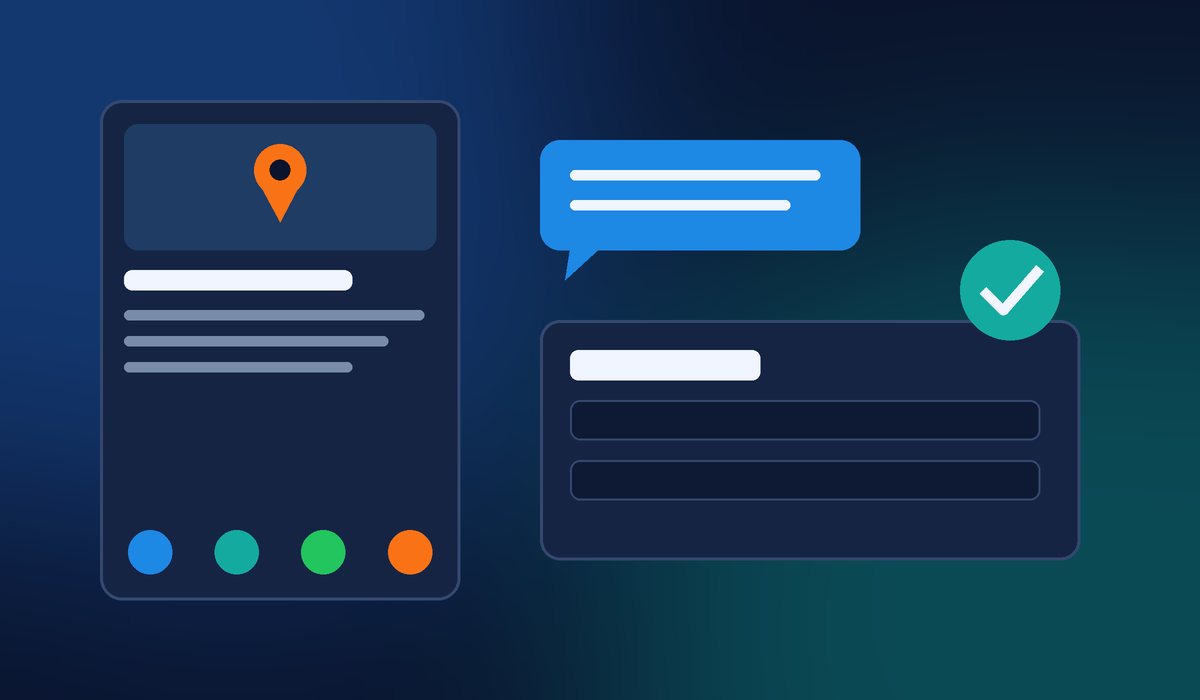
As Search Engine Roundtable reported, Google is asking some businesses to provide their Employer Identification Number (EIN) and a link to their website’s privacy policy when they set up the message button on their profile. The notice shown to one business owner read: “To help protect you and your customers, a Google partner will review your details before you can receive messages. This takes about three to four working days.”
So far this has only been reported by some businesses, and Google hasn’t announced it as a standard requirement. But it fits a clear pattern: Google keeps tightening verification to fight fake listings and scams on Maps. For a legitimate business, that’s good news. It just means you need your paperwork, and your website, in order.
What to do:
- Know where your EIN is (it’s on your IRS confirmation letter and tax filings).
- Make sure your website has a real, up-to-date privacy policy page, with a URL you can copy and paste. If customers fill out a contact form or book online, you need one anyway.
- Check that your business name, address and phone number match your official records and your website exactly.
- Plan ahead. If the review takes three to four working days, don’t wait until a busy season to turn messaging on.
- Only enter your EIN inside your own signed-in Business Profile. Never send it to someone who calls or emails claiming to be from Google.
2. Google Is Adding Facebook Messenger Links to Some Profiles
Google has also been emailing businesses to say it automatically added Facebook (Meta) Messenger m.me links to their Business Profiles. An m.me link is Meta’s short link that opens a chat with your Facebook Page in Messenger. Search Engine Roundtable noted it hadn’t seen Google add these links before, so this looks new.
That can be helpful: one more easy way for a customer to reach you. But it only helps if someone actually answers those messages. A Messenger inbox nobody checks is worse than no link at all, because the customer assumes you ignored them.
What to do: Open your profile and look at the links Google lists for you. If a Messenger link appeared, click it and confirm it goes to your current Facebook Page, not an old or duplicate one. If you don’t monitor Messenger, either set up notifications on your phone or remove the link. And watch your inbox for Google emails about “updates” to your profile. Google makes automatic edits more often than most owners realize.
3. Restaurants Can Now Turn Delivery Apps On or Off Themselves
For restaurants, this one is a big deal. Google has added direct controls for third-party ordering services in Business Profiles. Instead of contacting DoorDash, Uber Eats, Grubhub or another platform and asking them to remove a feed, you can now opt out of specific providers right from your dashboard, and choose whether each one shows for pickup, delivery, or both. Google’s Lisa Landsman announced the change, calling it one of the most frequent requests from restaurant operators.
According to Google’s help page on managing online ordering, you go to your Business Profile, select Food ordering, choose a provider and select Remove link. Providers must remove the link within five business days, and you can report a violation if they don’t. You can also mark a provider, or your own ordering link, as preferred for pickup or delivery.
What to do: If you have your own online ordering system on your website, set it as your preferred link so you’re not paying commission on orders you could take directly. Remove any delivery apps you no longer work with, and click every remaining link to make sure it shows your current menu and prices.
Why These Changes Matter for Small Businesses
All three updates point the same way. Your Google Business Profile is turning into a place where customers act: they message you, order from you and call you without ever visiting your website. That was the theme of the whole week in search news, too.
That makes your website more important, not less. Google is checking your website for things like a privacy policy, it compares your details across platforms, and customers who want more than a quick answer still click through. If your profile says one thing and your website says another, or your site is missing basic trust pages, you lose credibility and possibly features.
A Quick 10-Minute Profile Checkup
- Sign in to your Business Profile and confirm your name, hours, phone and website link are correct.
- Review every link on your profile, including any Messenger or ordering links Google added automatically.
- Confirm your website has a privacy policy page and that it’s linked in your footer.
- Make sure your contact details match on your website, Google and Facebook.
- Turn on notifications for any messaging channel you leave active, so no customer goes unanswered.
- Restaurants: set your preferred ordering link and remove providers you don’t use.
Need Help Getting Your Profile and Website in Sync?
If you’re not sure whether your website has the privacy policy, contact details and trust signals Google is looking for, we can help. Contact Final Web Design and we’ll review your website and Google Business Profile together, fix what’s missing and give you a clear, up-front plan.
Sources: Search Engine Roundtable, “Google Business Profiles Asking Some Businesses For Employer Identification Number (EIN)” (Oct 2026); Search Engine Roundtable, “Google Business Profiles Adding Facebook Messenger M.me Links” (Oct 2026); Search Engine Roundtable, “Google Business Profiles Adds Third-Party Ordering Controls For Restaurants” (Oct 28, 2026); Google Business Profile Help, “Manage online ordering options”; Search Engine Roundtable, “Daily Search Forum Recap: October 28, 2026”.