Happy Thanksgiving. Before you close the laptop for the long weekend, I want to give you one short list, because this is the busiest week of the year for scammers too. The emails are already coming, and a lot of them are aimed at business owners, not just shoppers.
On November 24, the security company Darktrace published new analysis of Black Friday phishing. A day earlier, Kaspersky released its 2026 online shopping threat report. Put them together with Check Point’s research from earlier this month and the picture is clear: more fake emails, more fake websites, and more of them pretending to be brands people trust. Here is what the numbers say and what I would check before Friday.
What the New Numbers Show
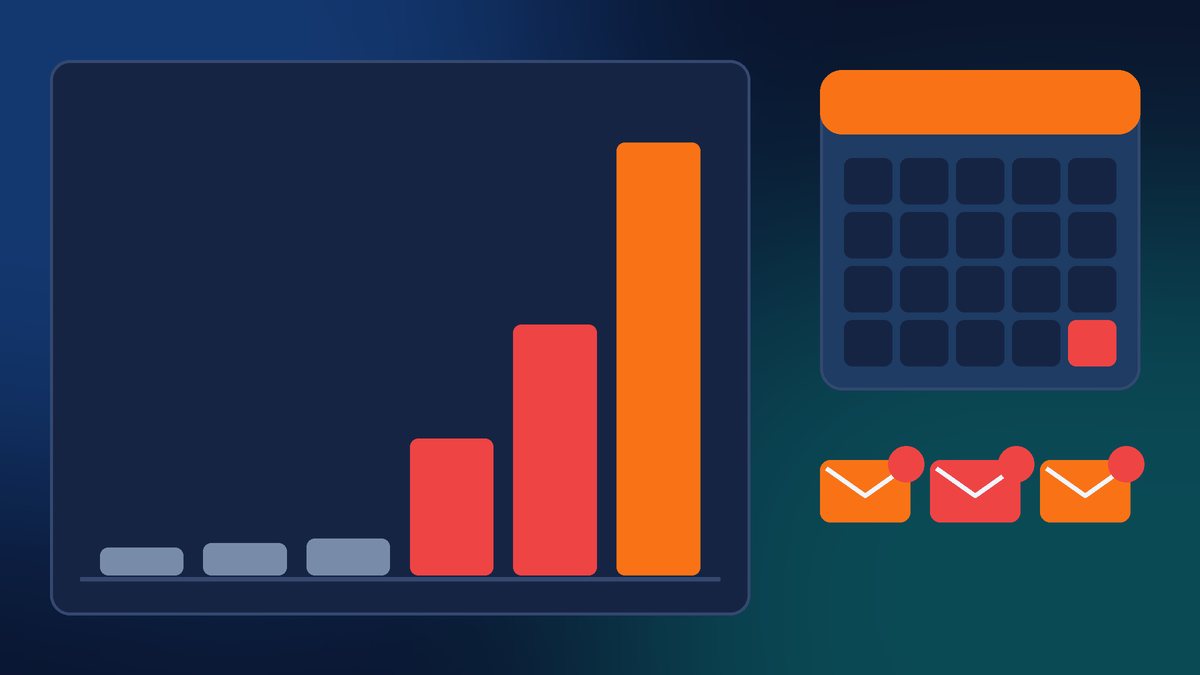
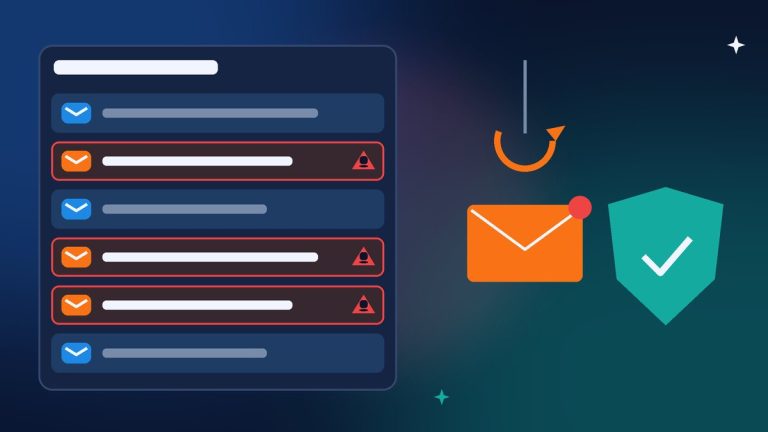
Darktrace found that between November 1 and 21, the average number of Black Friday phishing emails per day was more than 13 times what it saw in October. That is where the “more than 1,200%” headline comes from. Among businesses in the US and Canada, Black Friday phishing in the week starting November 16 reached nearly 27 times the October weekly average.
The part I found most useful is how the emails arrive. Darktrace says they come in bursts: across businesses getting a lot of this mail, half received at least 85% of their Black Friday phishing emails on just three days. So a quiet inbox on Tuesday tells you nothing about Friday.
Kaspersky reports 220,071 sales-themed spam messages in the first two weeks of November, 50.2% more than the same period in 2025. It also lists Shopify among the five brands scammers impersonate most in phishing tied to online stores and subscriptions, next to Amazon, Apple, Netflix and Alibaba. And Check Point Research found more than 4,000 newly registered domains using Black Friday, Cyber Monday and big retail or delivery brand names in October and early November, with nearly one in five already classified as risky.
The Scams Aimed at Business Owners
Most warnings this week are written for shoppers. A UK web host, WebDNS, published a useful list of the versions aimed at businesses. These are the ones I would warn your team about:
- Too-good supplier deals. A “trade only” offer from a supplier you have never heard of, payable by bank transfer only.
- Fake delivery problems. A courier needs a small fee, or your login, to release a parcel.
- Payment and refund notices. A card payment “failed” or a customer refund needs approving, with a link to a login page.
- Domain and hosting renewals. An urgent warning that your domain or website is about to expire, from a company you do not use.
- Marketplace messages. Fake notices from platforms you sell on, asking you to verify your account.
The domain and hosting one is the one I worry about most for small business websites. If someone gets your registrar or hosting login, they can take your site down, point your email somewhere else, or hold your domain hostage in the middle of your busiest week. The fix is simple: never use the link in the email. Open the website or app the way you normally would and log in there. If a supplier is involved, call a number you already have.
When Scammers Pretend to Be Your Business
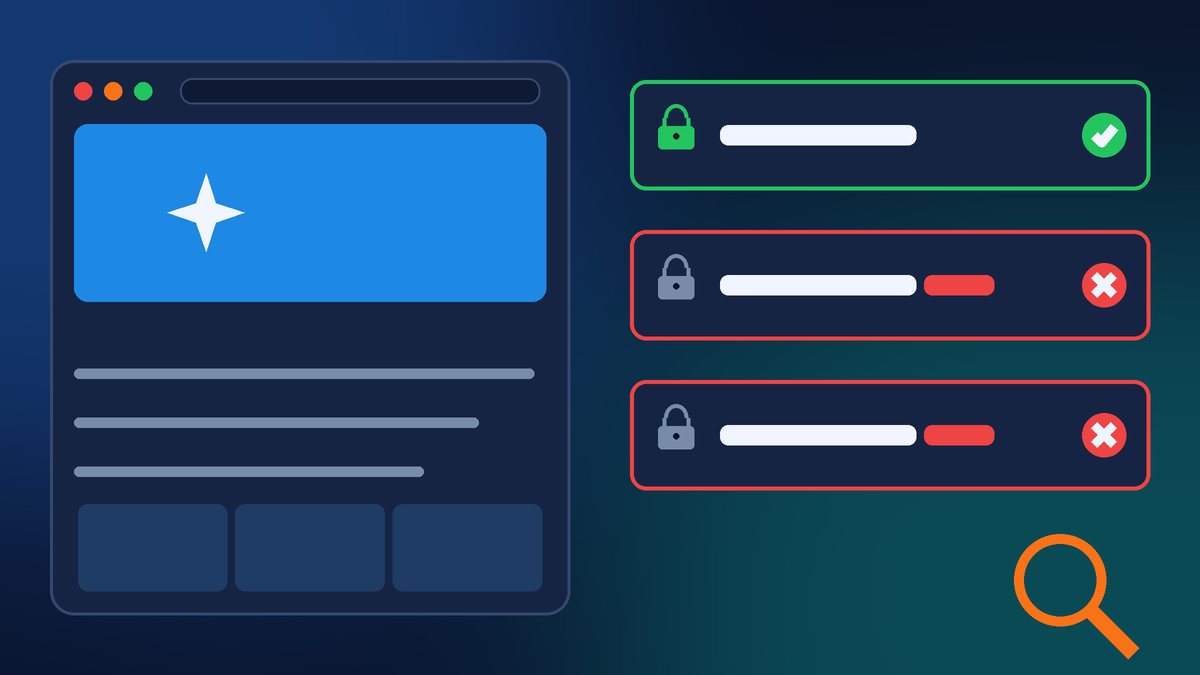
Darktrace makes a point that is easy to miss: attackers can copy a brand’s name, imagery and promotional style without ever getting into that brand’s systems. Being impersonated does not mean you were hacked. But your customers will not know the difference, and they will call you when the fake “order confirmation” or “discount code” turns out to be a scam.
Check Point found examples of exactly this pattern: a big brand’s name plus “black friday” or “deals” in the domain, fake storefronts with prices that are too good to be true, and fake delivery and login pages. A local shop or restaurant is a smaller target than Walmart, but the same tricks work on a smaller scale.
This is also where your email setup matters. A DMARC record tells email providers what to do with messages that claim to come from your domain but did not. If you have not set one up yet, my post on Outlook bouncing email without DMARC walks through the five-minute fix.
Darktrace also flags a newer risk. AI shopping assistants can recommend a seller based on fake reviews and comparison pages, and attackers can hide instructions inside webpages to try to steer what an AI tool recommends or does. If your website uses a chatbot that can look up orders or approve refunds, Darktrace recommends checking what it can access, verifying the customer before sensitive actions, and keeping a human in the loop for unusual refund or order requests.
My Thanksgiving Weekend Checklist
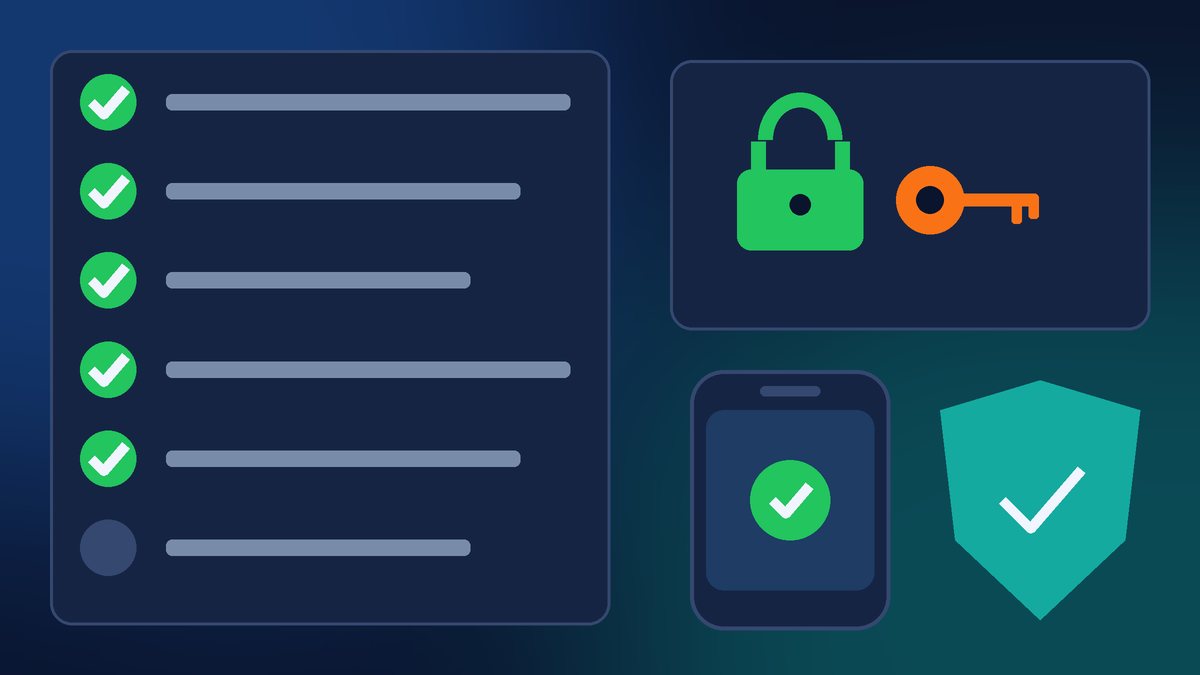
None of this requires new software. It is mostly a few settings and one conversation with your team:
- Turn on two-factor authentication for your domain registrar, hosting account, WordPress admin, email and payment processor. Darktrace specifically recommends multi-factor authentication for administrative accounts.
- Lock your domain and turn on auto-renew. Domain lock blocks unauthorized transfers, and auto-renew means a real expiration can never sneak up on you during a sale.
- Update your site, store and plugins before Friday, not during the rush. If you run WooCommerce, my holiday store checklist covers what to look at.
- Review who has access. Remove old logins for former staff, seasonal help and contractors you no longer use.
- Tell your team the rule: no clicking links in emails about payments, refunds, renewals or deliveries. Log in directly or call a known number instead.
- Search for your own business name plus “deal” or “Black Friday” and look for lookalike sites, ads or social accounts. Screenshot anything suspicious so you can report it.
- Publish your real offers in one place, like a page on your website, and tell customers that is where your genuine deals live.
My Take
Darktrace makes the point that legitimate stores use countdown timers and low-stock warnings too, so urgency alone does not tell you what is real. That is exactly why a simple rule works better than trying to judge each email: if it asks you to pay, log in or “verify” something, go to the site directly. Ten minutes of setup today can save you a very bad Monday.
If you want help turning on two-factor logins, locking down your domain, setting up DMARC or checking that your website and store are up to date before the weekend, contact Final Web Design. I am happy to go through it with you, and I hope you have a great Thanksgiving.
Sources: Darktrace, “Black Friday phishing rises more than 1,200% ahead of holiday shopping weekend” (Nov 24, 2026); Kaspersky Securelist, “Black Friday, red flags: too-good-to-be-true deals hiding real threats” (Nov 23, 2026); Check Point Research, “Black Friday Cyber Crime 2026: Attacks on Retailers Surge 28% as Risky Domains Multiply” (Nov 16, 2026); WebDNS, “Black Friday Scam Emails Aimed At Small Businesses” (Nov 21, 2026).