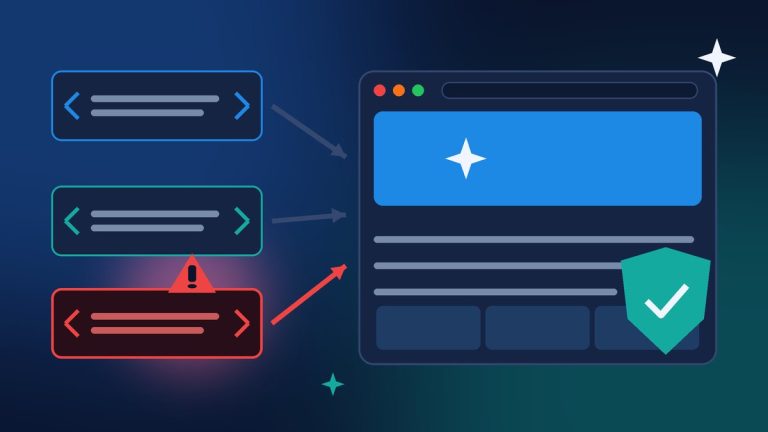
Black Friday is two weeks away, and this is the time of year I get the most nervous calls from store owners. Usually it is about speed or a broken checkout. This year I want to get ahead of something else: on Wednesday, November 11, WooCommerce shipped two security-related updates that every WooCommerce store should have installed before the holiday rush starts.
The first is a security fix for the WooCommerce Stripe Gateway, the plugin many of our clients use to take card, Apple Pay, and Google Pay payments. The second is WooCommerce 11.3.0, which closes a hole that could let people grab paid downloadable files without buying them. Neither one is hard to install. But I have seen enough “auto-updates are on, so we’re fine” stores to know it is worth checking by hand. Here is what changed and exactly what I would do this week.
What the Stripe Gateway Update Fixes
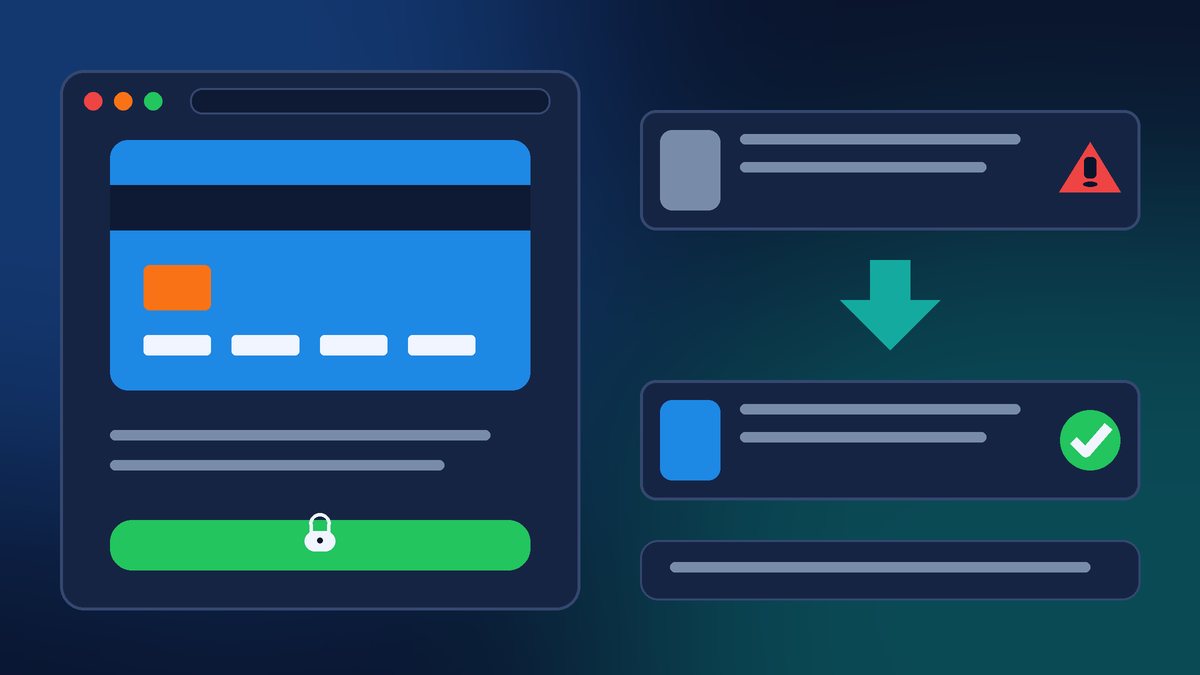
In its security advisory, WooCommerce tells anyone who runs a store with the WooCommerce Stripe Gateway (also called Stripe for WooCommerce) to update to version 11.2.0 now. Stores that need to stay on the older 11.1.x branch can update to 11.1.2 instead. The issues were found through Automattic’s own internal scanning and through reports disclosed to them. WooCommerce says it has “no evidence that these issues have been exploited,” but also says that “the most significant issues could allow for fraudulent purchases.” Fraudulent orders right before Black Friday are the last thing any small store needs.
The advisory also explains an older bug that some store owners will need to act on. In version 10.9.0 of the Stripe plugin, a customer’s new account password could be saved in plain text in the store’s order data. That only happened when all three of these were true:
- The store was running WooCommerce Stripe Gateway 10.9.0.
- The store used the classic checkout with Stripe Express Checkout buttons on the checkout page.
- The shopper created an account with a password at checkout and paid with Apple Pay or Google Pay.
Those passwords were visible to store administrators and shop managers on the order screen and through tools that read order data, like the REST API. Version 10.9.1 stopped new passwords from being stored that way, and starting with 11.1.0 the plugin cleans up old stored passwords in the background after you update. If it finds any, you will see a notice in WordPress admin and the site administrator gets an email. The cleanup does not reset anyone’s password.
If your store matched those conditions, WooCommerce recommends checking your backups, order exports, and any services that sync order data for copies of those passwords, even if you never get the email. It also suggests asking affected customers to reset their store password and change it anywhere else they used it. That is an awkward email to send, but it is the right one.
One detail I want to point out: a separate advisory from WPSec, published November 12, describes a bug in the Stripe plugin’s Pay for Order page that could show a guest order’s billing name, email, phone, and address to someone who had the order-payment link. WPSec lists versions up to and including 11.1.2 as affected and 11.2.0 as the fix. So if you can, go straight to 11.2.0 rather than stopping at 11.1.2.
Also note that, according to WooCommerce, Stripe for WooCommerce 11.1.2 and 11.2.0 require WordPress 6.9 and WooCommerce 11.0. If your site is behind on either one, the Stripe update may not show up until you update those first, which is one more reason to look instead of assuming.
WooCommerce 11.3.0 Closes a Paid-Download Leak
The same day, WooCommerce released WooCommerce 11.3.0. Most of the release notes cover nice design upgrades: the On-Sale Badge block can now show the discount amount or percentage, product and catalog blocks get more styling controls, and the Product Gallery swipes more naturally on phones. The release notes also mention “security and bug fixes” in the mix.
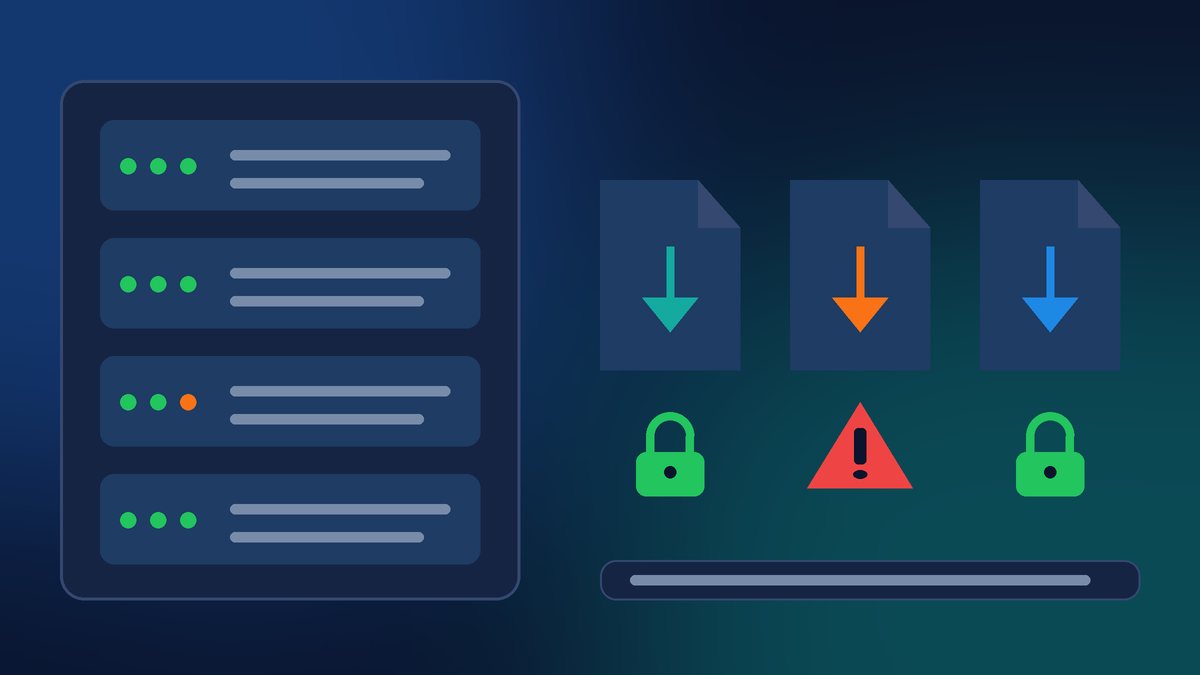
One of those fixes matters a lot if you sell digital products. WPSec’s advisory explains that in WooCommerce versions up to 11.2.2, files uploaded for downloadable products were treated as public media attachments and were not hidden from places like the REST API media endpoint, attachment pages, and feeds. That made it possible for someone without an account to find the direct links to those files. On servers that do not enforce the protection rules for the downloads folder (Nginx is the example WPSec gives), or on stores using the “redirect” download method, they could then download paid files without buying them. The fix is in 11.3.0.
If you sell e-books, courses, templates, music, or anything else as a download, this one is worth taking seriously. Keep in mind that 11.3.0 includes a database update, so make a backup first and run the update when your store is quiet, not on a Saturday morning when orders are coming in.
There is a nice bonus in 11.3.0 too. You can now pick your refund and returns policy page in WooCommerce settings, and WooCommerce adds structured data that points to it so search engines and AI agents can find it without custom code. If you do not have a clear returns page yet, the holidays are a good reason to write one.
My Pre-Holiday Checklist for WooCommerce Stores
Here is the order I would do this in. It should take less than an hour for most single-store owners:
- Back up the site first. Files and database, and make sure you know how to restore it.
- Update WordPress to at least 6.9 if you are behind, since the new Stripe versions need it.
- Update WooCommerce to 11.3.0 and run the database update when prompted.
- Update WooCommerce Stripe Gateway to 11.2.0. Then go to Plugins → Installed Plugins and confirm the version number with your own eyes, even if auto-updates are on or your host manages updates. WooCommerce specifically recommends this.
- Place a real test order. Try a card and, if you offer it, Apple Pay or Google Pay. Then refund it. I never call an update done until checkout has been tested.
- Check for the password cleanup notice or email. If you ran Stripe 10.9.0 with Express Checkout on the classic checkout, follow WooCommerce’s guidance on backups, exports, and customer password resets.
- Test a downloadable product if you sell them. Buy it with a test coupon and make sure the download link still works after the update.
- Do not forget staging sites. WooCommerce reminds agencies to check every site, including publicly accessible staging and development copies. An old staging store with live data is still a store.
If an update will not install or fails partway, WooCommerce asks you to contact WooCommerce Support with your installed Stripe version and the error message you saw.
Need a Hand Before Black Friday?
If you would rather not touch plugin updates two weeks before your biggest sales weekend, I understand. Contact Final Web Design and we will back up your store, install the WooCommerce and Stripe updates, run real test orders, check your downloadable products, and give you a written note of what we checked and which versions you are running. Then you can focus on your holiday promotions instead of your plugins page.
Sources: WooCommerce Developer Blog, “Security fix for WooCommerce Stripe Gateway: update to 11.2.0 or 11.1.2” (Nov 11, 2026); WooCommerce Developer Blog, “WooCommerce 11.3.0: Release notes” (Nov 11, 2026); WPSec, WPSEC-2026-2965 (Nov 12, 2026); WPSec, WPSEC-2026-2843 (Nov 12, 2026).