Graphic Design

All businesses large and small should realize the impact that can have on their company’s success. When Final Web Design goes through building professional online and offline digital graphics, we always custom design our imagery for your specific market. Combining quality high-resolution imagery with an informative message shows customers your most professional side. Final Web Design offers the highest quality and unique Graphic Design for all your digital or print needs.

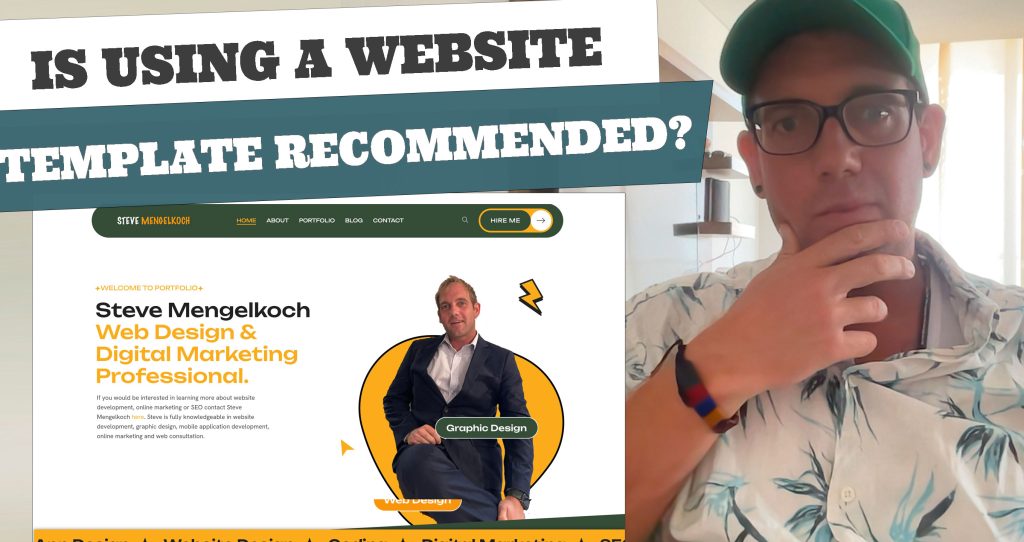
Is Using a Template Recommended

Do We Recommend Using a Website Template

Using a website template is not cheating; it’s a practical and efficient way to build a website, especially for those who lack advanced coding skills or need to launch quickly. Templates provide a solid foundation, allowing users to customize design elements, content, and functionality to match their brand identity. Many professional developers and businesses use

Do We Recommend Using a Website Template Read More »
Why Most Web Firms Use Templates

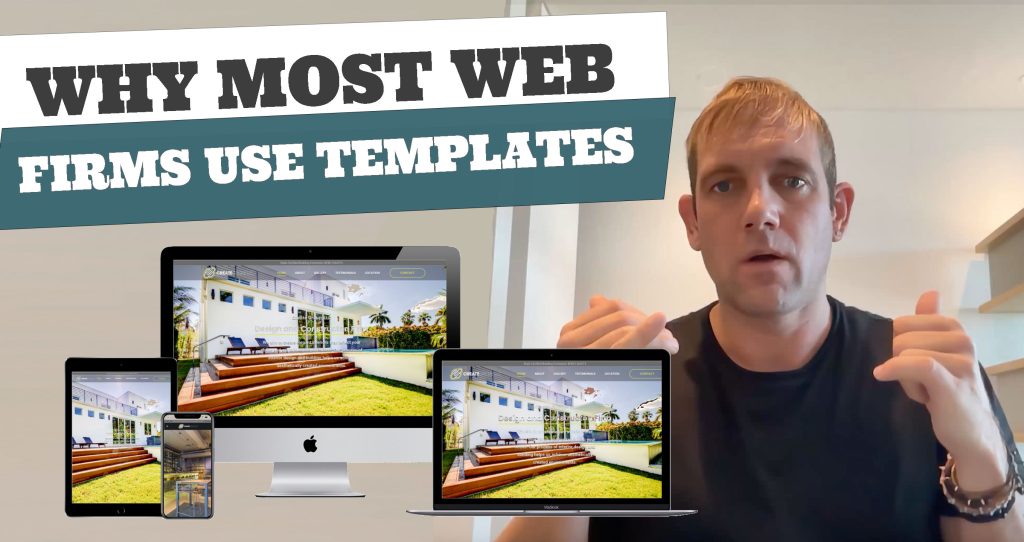
Why Most Web Firms Use Templates

Most web firms use templates for practical, time-saving, and cost-effective reasons. Templates offer a solid foundation for website development while allowing customization to meet clients’ needs. Here’s a breakdown of why templates are commonly used: 0:00 Introduction 1:03 Cost Efficiency 1:44 Time-Saving 2:41 Reliable Performance 3:14 Accessibility for Non-Technical Clients 3:47 Scalability and Flexibility 4:48

Why Most Web Firms Use Templates Read More »

Graphic Design for Websites: Tools, File Formats and Best Practices

Graphic design is how a business communicates visually: the logo, colours and typography, but also every photo, icon, banner and social media graphic it publishes. On a website, design decisions affect more than looks; they decide how fast pages load, how easy content is to read and how much visitors trust what they see. This

Graphic Design for Websites: Tools, File Formats and Best Practices Read More »

Adobe Bridge: How to Resize Multiple Images at Once (and Other Time-Saving Features)

Resizing photos one at a time in Photoshop is one of the biggest time sinks in any web or marketing project. Adobe Bridge, Adobe’s free file-management companion to Photoshop and the rest of Creative Cloud, can batch resize multiple images at once, along with renaming, tagging and organising them. The first video below shows the

Adobe Bridge: How to Resize Multiple Images at Once (and Other Time-Saving Features) Read More »