Every few weeks I write a version of this post, and every few weeks I wish I didn’t have to. On October 31, the U.S. National Vulnerability Database published seven critical security flaws in WordPress plugins in a single day, all reported by Wordfence. Four of them are rated 9.8 out of 10 and the other three are rated 9.1. Several can be triggered by a complete stranger with no login at all.
The list includes a contact form builder, a WooCommerce invoice plugin, a booking calendar, a popup builder, a project management plugin and two online course tools. Those are exactly the kinds of add-ons small business websites run every day. Here’s what was found, which ones matter most for a typical business site, and the simple routine I use to keep client sites out of trouble.
The Seven Plugins on the List
According to a roundup from cveo.tech and the official NVD records, these are the affected plugins and the last vulnerable version of each:
- SimpleForm (form maker), up to 3.10.2: arbitrary file upload, rated 9.8
- WP Project Manager by weDevs, up to 4.1.1: remote code execution, rated 9.8
- PDF Invoice for WooCommerce, up to 7.1.1: PHP object injection, rated 9.8
- Uncanny Toolkit for LearnDash, up to 3.8.2: authentication bypass, rated 9.8
- Acadlix LMS, up to 1.1.9: arbitrary file deletion, rated 9.1
- Popup Builder, up to 4.4.5: authorization bypass, rated 9.1
- WP Booking System, up to 2.1.0.5: missing capability check, rated 9.1
At the time of those reports, none of the seven was on CISA’s list of known exploited vulnerabilities, and no public exploit had been identified for the Project Manager flaw. That’s the good news. The bad news is that bots scan the whole internet for vulnerable plugins, not for you, so business size offers no protection.
Why a Contact Form Can Be the Front Door
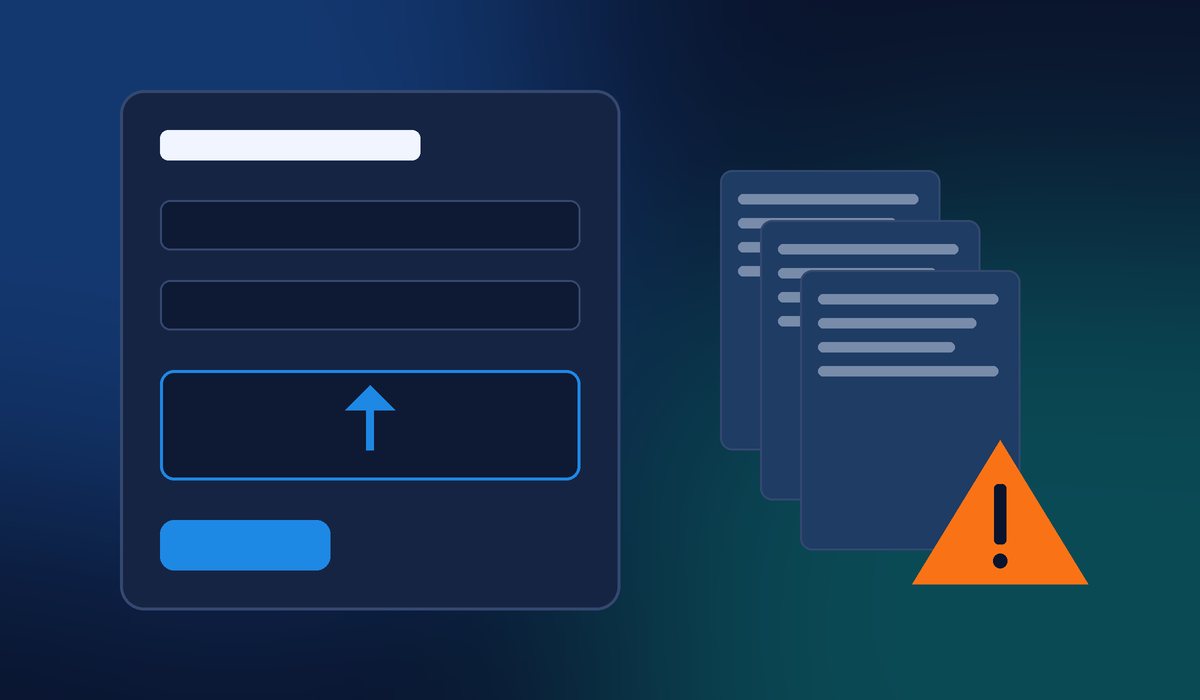
The one that worries me most for small businesses is SimpleForm, because forms sit on public pages by design. The NVD entry for CVE-2026-118235 explains that the plugin’s upload function figures out a file’s extension before it cleans up the filename. A file name ending in a trailing dot slips past every extension and file-type check, so an anonymous visitor can upload a file that may be executable. That makes remote code execution possible, which in plain English means someone else gets to run their code on your server.
The only thing standing in the way is a security token called a nonce. But that token is printed into the code of every public page that shows the form, so anyone who visits the page can grab it. As cveo.tech put it, the check exists on paper and stops nobody.
If you use SimpleForm, update past version 3.10.2 right away. If you can’t update yet, remove any forms with file upload fields or deactivate the plugin until you can.
Online Stores: Check Your Invoice Plugin
If you sell through WooCommerce, look at the PDF Invoice for WooCommerce + Drag and Drop Template Builder plugin. RescuePHP reports that an anonymous visitor can place a checkout with a specially crafted customer note. That note is carried word for word into the generated invoice and ends up in a risky PHP function inside the bundled PDF library. It needs no account and no user interaction.
There’s an important detail here. On a default install, the attack only fires when an offline payment method like Direct Bank Transfer or cheque is turned on. Those orders go to “on hold” automatically, and that’s what kicks off invoice generation. Still, if your shop takes bank transfers, treat this as urgent. The vendor has released version 7.2.0.
The same report covers WP Project Manager, where a quirk in how WordPress runs its REST API checks lets an anonymous visitor make the server call PHP functions. Patchstack published it on October 30 and lists 4.1.2 as the fixed version. Patchstack warned that bugs like this are often used in mass-exploit campaigns.
The Others: Courses, Popups and Booking Calendars
The remaining four are a little narrower, but still worth your attention if you run them:
- Uncanny Toolkit for LearnDash: an attacker who already knows an account’s password can get around account approval and suspension. If you suspended an account because it was compromised, it could become usable again. Update past 3.8.2 and reset passwords on suspended accounts.
- Acadlix LMS: a flaw lets files be deleted without checking their path. Deleting
wp-config.phpbrings back the WordPress install screen, which can lead to a full takeover. Update past 1.1.9 or deactivate it. - Popup Builder: per the NVD record, a single unauthenticated request can send every published popup on your site to the trash. No data is stolen, but your sign-up and promo popups vanish. Update past 4.4.5. If it happens, you can restore them from the trash as long as it hasn’t been emptied.
- WP Booking System: a missing permission check lets a logged-in subscriber delete notes on any calendar. Update past 2.1.0.5, and turn off public registration if you don’t need it.
My 15-Minute Plugin Safety Routine
You don’t need to be a developer to stay ahead of this. Here’s the routine I follow on the sites we manage, and you can do most of it yourself:
- Make a backup first. Before you update anything, make sure you have a fresh, restorable backup stored somewhere other than your web server.
- Look at your plugin list. In your WordPress dashboard, go to Plugins and compare what you see against the seven names above. Check the version number of each one.
- Update the ones that need it. Click “Update now” on anything flagged, then check your contact form, checkout and booking pages to make sure they still work.
- Delete what you don’t use. A deactivated plugin is still sitting on your server. If you installed a popup or course plugin for a promotion two years ago, remove it.
- Look for warning signs. There should be no PHP files in your
wp-content/uploadsfolder. Watch for odd on-hold WooCommerce orders with strange characters in the customer note, popups that ended up in the trash on their own, or a site that suddenly shows the WordPress install screen. - Ask your host to block PHP in uploads. Blocking PHP execution in the uploads folder at the server level shuts down a whole class of file-upload attacks, including the SimpleForm one.
If anything looks off, reset your administrator passwords, rotate the security keys in wp-config.php and have someone review recently changed files.
Why This Keeps Happening
Most WordPress hacks don’t come from WordPress itself. They come from plugins, and the average small business site has more of them than it needs. This batch shows it clearly. Several plugins had a security check in place, but it was built in a way that anyone could get around. As a site owner, you can’t audit that code yourself. What you can do is keep your plugin list short, keep it updated and make sure someone is watching.
Want Someone Else to Watch Your Plugins?
If keeping track of plugin updates is the last thing you want to think about, that’s exactly what we’re here for. Contact Final Web Design and we’ll review your WordPress site, update or replace risky plugins, set up backups and monitoring, and give you a clear, up-front plan to keep your site secure.
Sources: cveo.tech, “WordPress: 7 Critical Plugin Flaws, Late October 2026” (Nov 1, 2026); RescuePHP, “WP Project Manager 4.1.2 Fixes an Unauthenticated RCE (CVE-2026-116512), and PDF Invoice for WooCommerce 7.2.0 Closes a Checkout-Triggered Object Injection” (Oct 31, 2026); NIST National Vulnerability Database, CVE-2026-118235 (Oct 31, 2026); NIST National Vulnerability Database, CVE-2026-89270 (Oct 31, 2026).