
Photoshop: Remove Image Background
This tutorial will show you how to remove a background from an image or logo easily in Adobe Photoshop. This is a useful technique for any graphic design that may want to create a PNG
Adobe Photoshop: Rounding Image Corners
Rounding the corners on photos and images is one of the most common Photoshop tasks in web development. In this video we will show you how to round the corners on all your images in
Applying a Border / Stroke to Image in Photoshop
In this tutorial, we will show you how to correctly apply a border or stroke to your images in Adobe Photoshop. Often when working with images applying a small border around the picture provides a
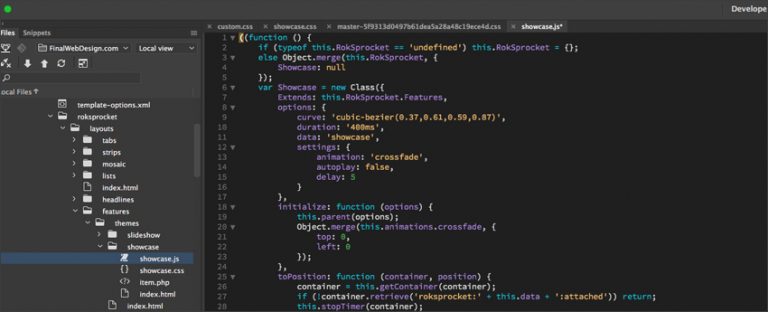
Building a Website with Clean Code
Did you know, that building your website with messy or unprofessional code can have drastic effects on the performance and

New Web Design Sales Call
This video provides an in-depth look at a website sales call with a local Miami business that has expressed interest

Website Sale (Live Call with a Website Sale)
We’re excited to announce another successful website design and website development sale here at Final Web Design! This recent project
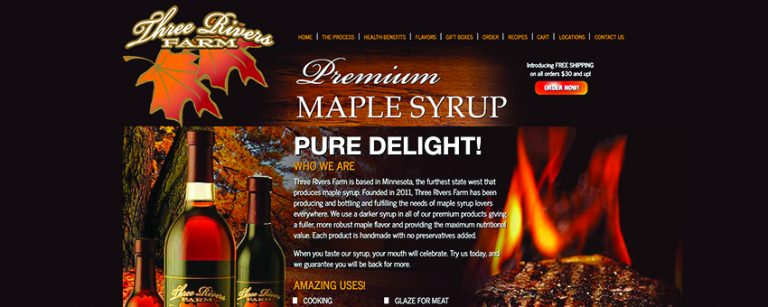
ThreeRiversFarm.com – Premium Maple Syrup
Three Rivers Farm Maple Syrup provides an excellent product and is getting noticed for it. The Twin Cities Pioneer Press;

Website Sales Call 14: Custom Game Website ($20K–$30K+)
How much does a custom game website cost? In Website Sales Call 14 a prospect asks Final Web Design to price a browser-based Dominoes game with accounts and payments. The answer: $20,000–$30,000+. Here is why.

Swarmanoid
In a striking display of military-like precision, the robotic team dubbed the “Swarmanoid“, attacks the problem with flying “eye-bots” and