Here is a question I ask every new client, and almost nobody can answer it right away: how many outside companies are allowed to run code on your website right now?
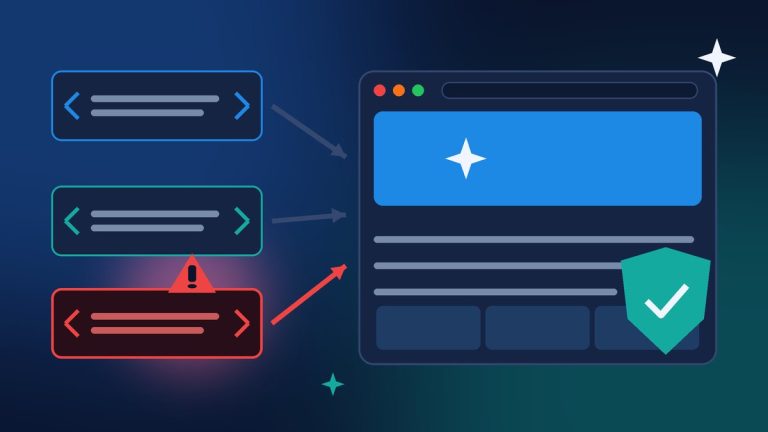
Most small business sites load code from somewhere else: an analytics tag, an ad pixel, a chat widget, a booking calendar, a review badge. Every one of those is a door you have left open for another company. On November 16, we got a very public reminder of what happens when one of those companies gets hacked. Attackers slipped malicious code into a marketing tool called Optimizely, and it ran on the websites of Zoom, CNN, the BBC, Salesforce, GitLab and many others, without those companies’ own websites ever being broken into.
You probably do not use Optimizely. That is not the point. The point is that the same thing can happen through any script on your site, and there are a few simple things you can do this week to limit the damage if it ever does.
What Happened With Optimizely

Optimizely is a tool big companies use to test and personalize their websites. Each customer adds a small piece of JavaScript, a “snippet,” that loads from Optimizely’s servers on every page. According to Optimizely’s November 17 incident report, an unauthorized party exploited a flaw in its Web Experimentation account signup flow, used it to act as administrator users on customer accounts, and inserted malicious JavaScript into some customers’ projects. Optimizely says the first malicious code was written at 07:51 UTC on November 16 (2:51 a.m. Eastern) and that it was removed from all affected projects by 22:24 UTC (5:24 p.m. Eastern) the same day.
Security researcher Scott Helme of Report URI first spotted it. As BleepingComputer reported, his team found 188 infected Optimizely files belonging to 178 organizations after analyzing 1,611 of the platform’s scripts. According to Search Engine Journal’s write-up of Helme’s findings and Ars Technica, the injected code:
- Swapped cryptocurrency wallet addresses for the attacker’s.
- Watched the site’s own forms for card numbers, expiration dates and security codes, and tried to send them to the attacker.
- Sent cookies, the page address and a screenshot to the attacker in some cases.
- Loaded exploit kits aimed at iPhones and iPads running older versions of iOS.
Here is the part that should get every business owner’s attention: the bad code came from Optimizely’s own trusted address. The affected websites did nothing different. They simply kept trusting a vendor they had always trusted.
Why This Matters for a Small Business Website
Big brands have security teams, and they still got caught. A small business site usually has more outside scripts than people realize, added over the years by different web designers, marketing agencies and app installs. Some of those scripts are still loading long after anyone stopped using the service.
Optimizely says this was not a credentials breach and no customer passwords were stolen. The attacker exploited a flaw that let them act as administrators. That is an uncomfortable lesson: you can do everything right with your own passwords and still be exposed through a vendor. You cannot control a vendor’s security. You can control how many vendors you trust, and how much damage any one of them can do.
The Two Things That Protected Some Sites
When I read through the reports, two protections stood out, and both are within reach for a small business.
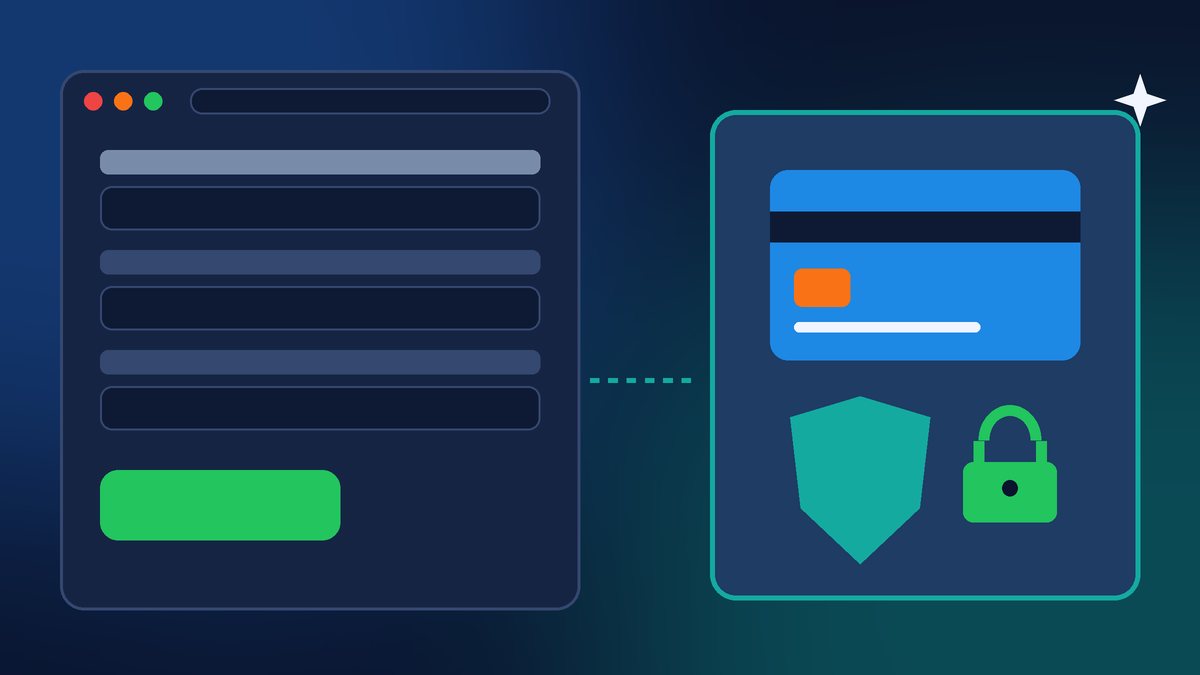
1. Hosted payment fields. Optimizely’s report says cards entered in hosted payment iframes, for example Stripe or Adyen, were not accessible to the script. Helme reported the same thing. In plain terms: if the card number box on your checkout actually belongs to your payment processor, code running on your page could not read it. If your site collects card numbers in its own form fields, it was the kind of setup this attack was built for. I covered checkout safety in my WooCommerce and Stripe security post, and this is one more reason to use your processor’s hosted card fields or hosted checkout page.
2. A strict Content Security Policy. A Content Security Policy, or CSP, is a security header that tells visitors’ browsers which sources your site is allowed to load scripts from and where your pages are allowed to send data. Optimizely says sites with a strong CSP were protected. But the details matter. Per Search Engine Journal, Report URI looked at 159 of the affected organizations: 68 had no CSP at all, and 50 had a CSP that still allowed both the malicious code and the data theft. Only 24 blocked the code completely, and what set them apart was a restrictive list of allowed script sources. Simply allowing a vendor’s domain did not help, because the bad code came from that same domain.
5 Things to Do This Week
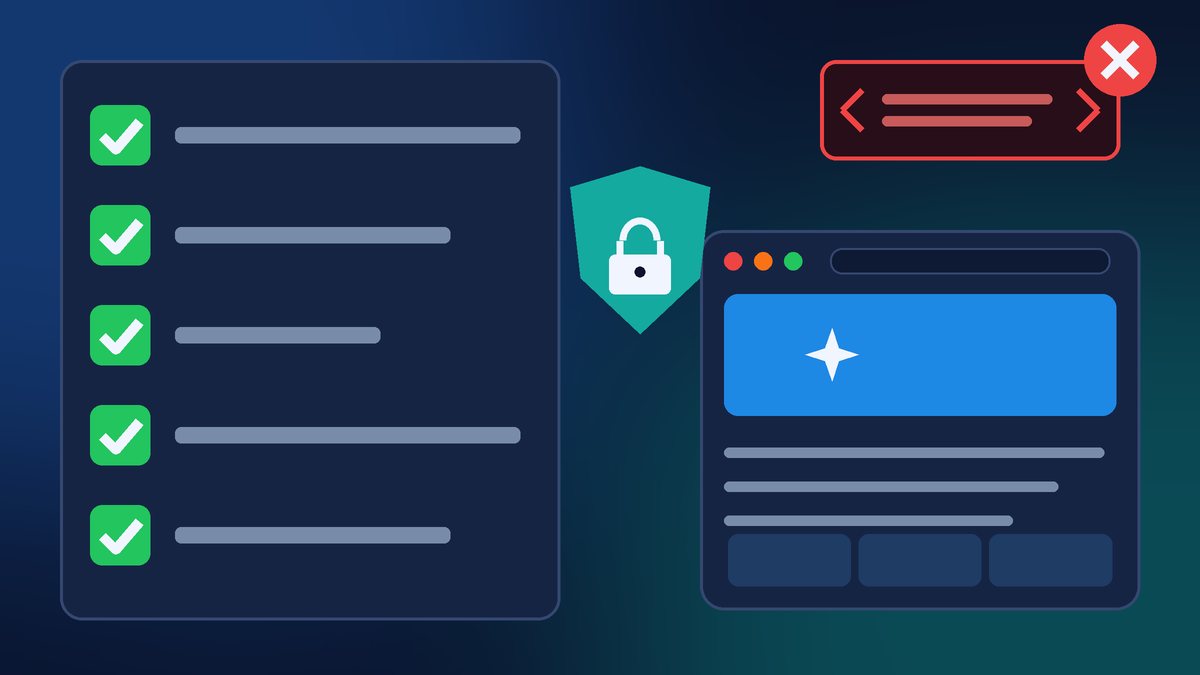
- Make a list of every outside script on your site. Check your theme settings, any “header and footer scripts” plugin and Google Tag Manager if you use it. Write down what each one is and who added it.
- Remove what you no longer use. That old chat widget, the pixel from an ad campaign that ended two years ago, the heatmap tool from a trial. Every script you remove is one less company that can put code on your pages.
- Lock down the accounts that can change your scripts. Your Tag Manager, analytics, chat and booking accounts can all push code to your website. Turn on two-factor authentication and remove old employees and agencies who no longer need access.
- Check how you take payments. Make sure card numbers are typed into your payment processor’s hosted fields or hosted checkout page, not into a plain form on your site.
- Ask about a Content Security Policy. Ask your web developer or host whether your site sends one. A strict CSP takes some testing so it does not break your chat widget or booking calendar, so this is a job for whoever maintains your site, not a five-minute setting.
And a quick note for you as a visitor, not just a site owner: BleepingComputer advises that anyone who entered card details on an affected site should watch their card statements, and that iPhone and iPad users should make sure they are on the latest iOS or iPadOS update. That is good advice any week.
The Bigger Lesson
Website attacks keep moving toward the things we trust. A few weeks ago it was fake Cloudflare checks aimed at WordPress admins. This week it was a trusted vendor’s script. Optimizely says its investigation is ongoing with outside forensic experts, and Helme believes the real number of affected sites is likely higher than 188. We may learn more. But you do not need to wait for the final report to clean up your own site. Fewer scripts, tighter access and hosted payment fields will protect you from the next version of this, whatever vendor it comes through.
Want Help Checking Your Site?
If you are not sure what is running on your website, I am happy to take a look. I will list every outside script your site loads, flag what can go, and tell you whether your checkout and security headers are set up the way they should be. Contact Final Web Design and let’s make sure the only code running on your website is code you actually want there.
Sources: Optimizely, “Security Incident Initial Report for Customers: Optimizely Web Experimentation” (Nov 17, 2026); BleepingComputer, “Optimizely hack infected CNN, Fox News, BBC, Salesforce sites with malware” (Nov 16, 2026); Search Engine Journal, “A Trusted Optimizely Script Carried Malware To 178 Organizations” (Nov 17, 2026); Ars Technica, “Hundreds of websites deliver potent malware cocktail to unsuspecting visitors” (Nov 17, 2026).