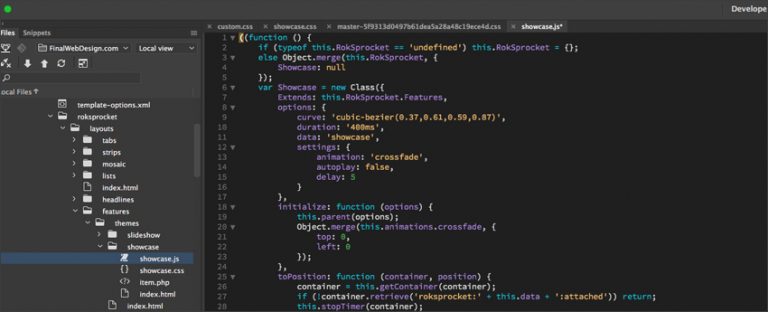
This tutorial will cover Part 2 when “Building A Client Website” with a primary focus on WordPress Theme Customization. Another dimension worth emphasizing is performance, maintainability, and future-proofing. When you customize a theme carefully — ideally via a child theme, clean custom CSS/JS, and well-organized template overrides — you not only tailor the look and feel to your brand, but also avoid bloated code, excessive scripts, and legacy clutter. That results in faster page load times, more consistent layout behavior across devices, and easier long-term maintenance. Equally important: a cleanly customized theme makes future updates or redesigns much simpler, because you’ve kept modifications modular and separated from the core theme.
0:00 WordPress Theme Customization Introduction
2:03 Logo Setup
3:25 Theme Colors
3:48 Header Image / Slider / Background Image / Homepage Settings
4:43 Website Content
5:45 Homepage Theme Feature Customization
20:35 Blog Posts Setup
22:17 Homepage Theme Features Customization Part 2
27:10 Theme Editor
29:40 WordPress Theme Customization Conclusion
Every WordPress theme often includes Theme Customization features that will often determine the features and functionality that a website offers the developer. Learning how to effectively utilize these Theme Customization features can often be the difference between a professional website build and an unprofessional website build.
You can view this video on the Final Web Design YouTube page at https://www.youtube.com/watch?v=Ksx2nQBS-8Y.
Find out more by visiting our contact form or calling our team today at (888) 674-7779 today.