Picture this: a customer opens Google Maps and types, “Find me a 4 p.m. nail appointment near me.” A few moments later, your phone rings. It is not the customer. It is Google, calling on their behalf to see if you have an opening.
That is now a real thing. On November 16, Google announced new Ask Maps features that let people have Ask Maps find beauty, pet care, auto and home repair appointments online and call local businesses for them. If you run a salon, groomer, auto shop or home service company, this one is worth ten minutes of your time today, because the first impression a new customer gets of you might be how your front desk handles a call from a robot.
What Google Announced
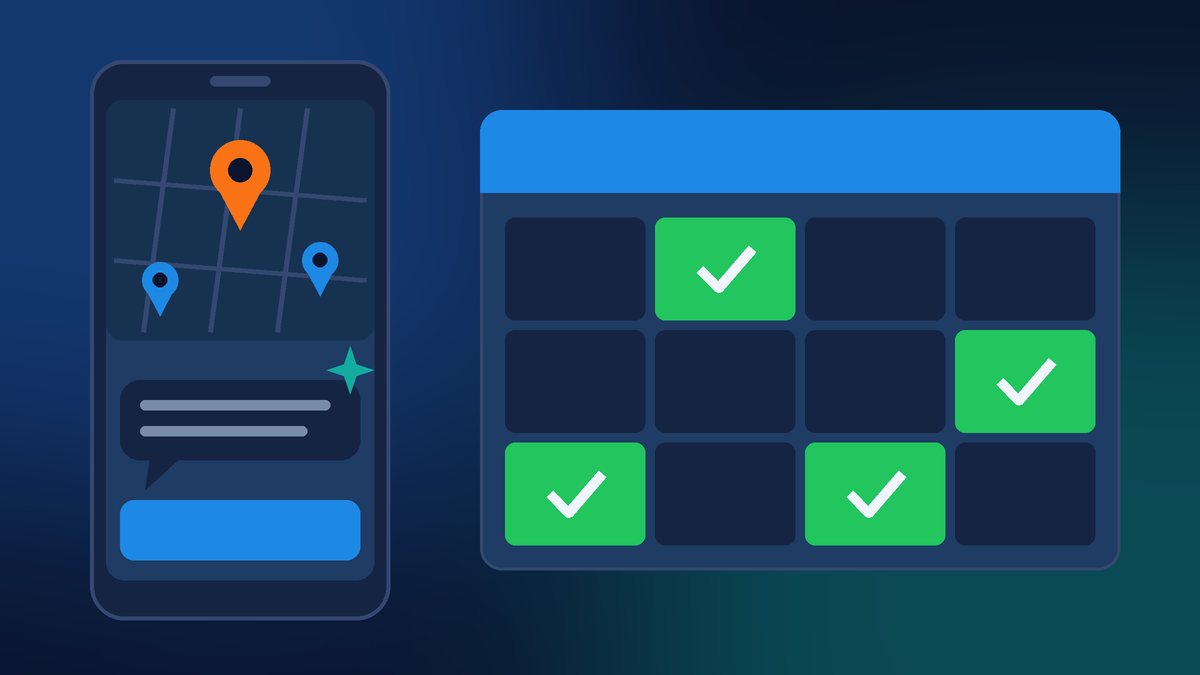
Ask Maps is the AI chat built into Google Maps. In its November 16 post, Google says new “agentic capabilities” let you choose to have Ask Maps find beauty, pet care, auto and home repair appointments online and call local businesses for you. Ask Maps then shows open slots across nearby businesses “so it’s easy to decide what to book.”
A few other details from Google’s announcement:
- The updates started rolling out on November 16 on Android and iOS.
- Finding appointments is launching first in the U.S., with more regions “coming soon.”
- The same release added road trip itineraries and search across your saved lists, and Ask Maps is expanding to 30 countries across Europe, bringing it to more than 200 countries and territories.
For a local business, the appointment piece is the big one. As Search Engine Journal pointed out, the customer sees your openings in the same conversation where they decide where to book. That is a new place to win an appointment, or to lose one to the shop down the street.
How Google’s Automated Calls Work
Google calling businesses for customers is not brand new. Google’s Business Profile help page, About automated calls and texts from Google to your business, already explains how it works. Here are the parts that matter most:
- What it calls about. Booking appointments (after the customer gives a preferred time, service type and party size), checking restaurant wait times, and confirming the price and availability of products and services.
- Online booking partners. If you use an online booking provider, Google says it may book through that partner or call your business directly.
- Quotes go back to the customer. When Google calls to confirm a price or availability and you share it, the customer gets an email or text with your details or service quote.
- The calls are recorded. Google says these calls are monitored and recorded for quality assurance.
- Where it works. In the U.S., Google says the feature is available in every state except Indiana, Louisiana, Minnesota, Montana and Nebraska. Here in Florida, that means it is on the table.
- When it calls. Google says it limits repeat calls for the same information and avoids calling late at night or early in the morning.
One honest caveat: Google’s Ask Maps post does not say exactly how Ask Maps picks which businesses to check or call. When Google rolled out AI calling for price checks in Search back in July 2025, a Google spokesperson said the AI picked businesses based on traditional local search rankings, according to Search Engine Journal. Google has not said the same about Ask Maps, so I would not assume it, but a strong, accurate Business Profile is never going to hurt you here.
Should You Leave It On or Turn It Off?
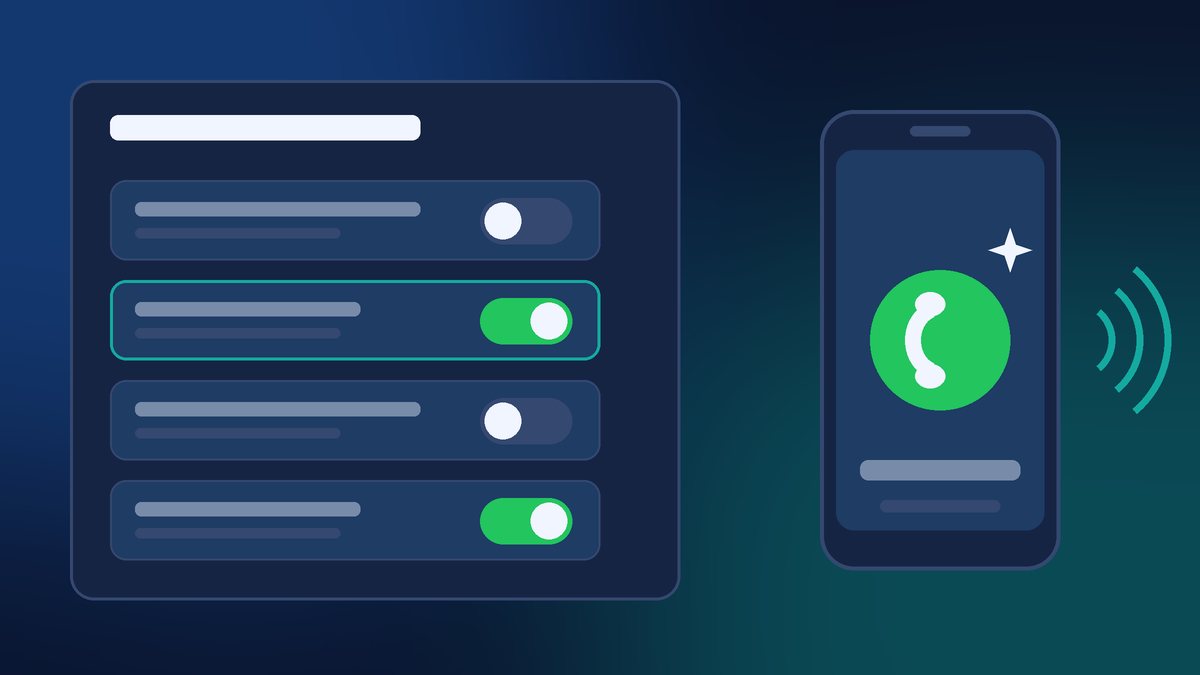
You do have a choice. In a verified Business Profile, go to More, then Business Profile settings, then Advanced settings. Under “Google automated calls and text messages,” there is a toggle for “Bookings and inquiries from customers.” You can also tell a Google caller over the phone to stop calling. Google notes that even after opting out, you may still occasionally get manual calls to confirm your business information.
Search Engine Journal flagged one open question: Google’s post does not say whether Ask Maps calls follow that toggle. I expect Google to clarify, but for now I would treat the setting as the control Google documents, not a guarantee.
My take for most of my clients: leave it on if your business runs on appointments and you can answer the phone during business hours. A customer who asked Google to find them a slot is about as ready to buy as a customer gets. Turn it off if you are a one-person shop that cannot pick up while you are working, or if a missed or confusing call would do more harm than good. Either way, make it a decision, not a default you never looked at.
5 Things to Do This Week

- Check your setting. Open your Business Profile, find “Bookings and inquiries from customers,” and decide whether it should be on or off.
- Brief whoever answers your phone. Tell them Google may call on a customer’s behalf to book or ask about price and availability, and that the call is recorded. Give them a short, clear answer for your most common services and prices.
- Make sure your hours and services are right. If Ask Maps is matching people to open slots, your hours, holiday hours and service list on Google need to be correct. This is the same advice I gave in my post about Google’s “Book Online” buttons: check where every booking path actually goes.
- Connect your real booking system. Google says it may book through an online booking partner. If you already use one, make sure your availability there is current, so Google is not offering slots you cannot honor.
- Know what a real Google call sounds like. Google says it will never ask for payment, credit card information or account passwords. If a “Google” caller asks for money to keep you listed, hang up. That is a scam, and they are common.
Don’t Forget Your Website
Google says Ask Maps can find appointments “online,” and an AI assistant can only work with what it can read. If your website does not clearly list your services, your service area, your hours and how to book, you are making it harder for both people and AI tools to choose you. A simple services page with real prices or “starting at” ranges, a working booking link and a click-to-call phone number goes a long way.
This is the third Google Maps change in a few weeks that puts a new way to contact you right on your listing, after the message button next to Call and the “Book Online” buttons Google appears to be testing. The pattern is clear: Google wants customers to book without ever leaving Maps. The businesses that win are the ones whose information is accurate everywhere and who answer quickly, whether it is a person, a message or Google on the line.
Want Help Getting Ready?
If you want a second set of eyes on your Google Business Profile, your booking setup or the services pages on your website, I am happy to help. Contact Final Web Design and we will make sure that when a customer, or Google, comes looking for an appointment, they find you ready.
Sources: Google, “New Ask Maps features to help with holiday travel and prep” (Nov 16, 2026); Google Business Profile Help, “About automated calls and texts from Google to your business”; Search Engine Journal, “Google Adds Appointment Finding & Business Calls To Ask Maps” (Nov 16, 2026); 9to5Google, “Google Maps rolling out travel itineraries & list search for Ask Maps” (Nov 16, 2026).