Front-End

Web Accessibility Services

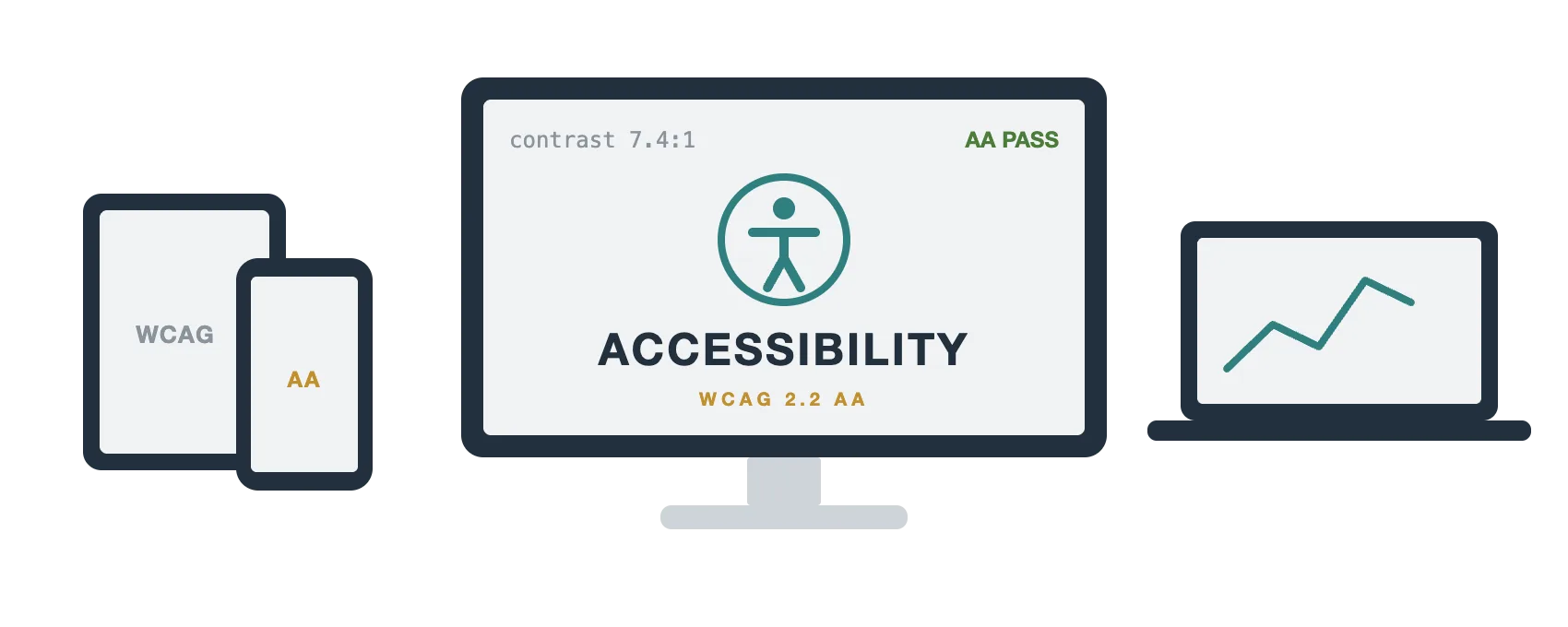
Pages that work for everyone who lands on them — keyboard users, screen reader users and anyone on a phone in bright sunlight. Audited against WCAG 2.2 AA and fixed in the code.
Front-End

Accessibility Is a Build Decision, Not a Plugin
Overlay widgets promise a one-line fix. They cannot turn a div into a button, label a form field, or repair a heading order that makes no sense when it is read aloud.
Real conformance starts in semantic markup. We audit what you already have, fix it in the code, and test with a keyboard and a screen reader rather than trusting an automated scan on its own.
Features:
What We Build

Everything Included in an Accessibility Engagement

From the first audit to the retest, covering the code, the content and the templates your team keeps editing.

Accessibility Audits

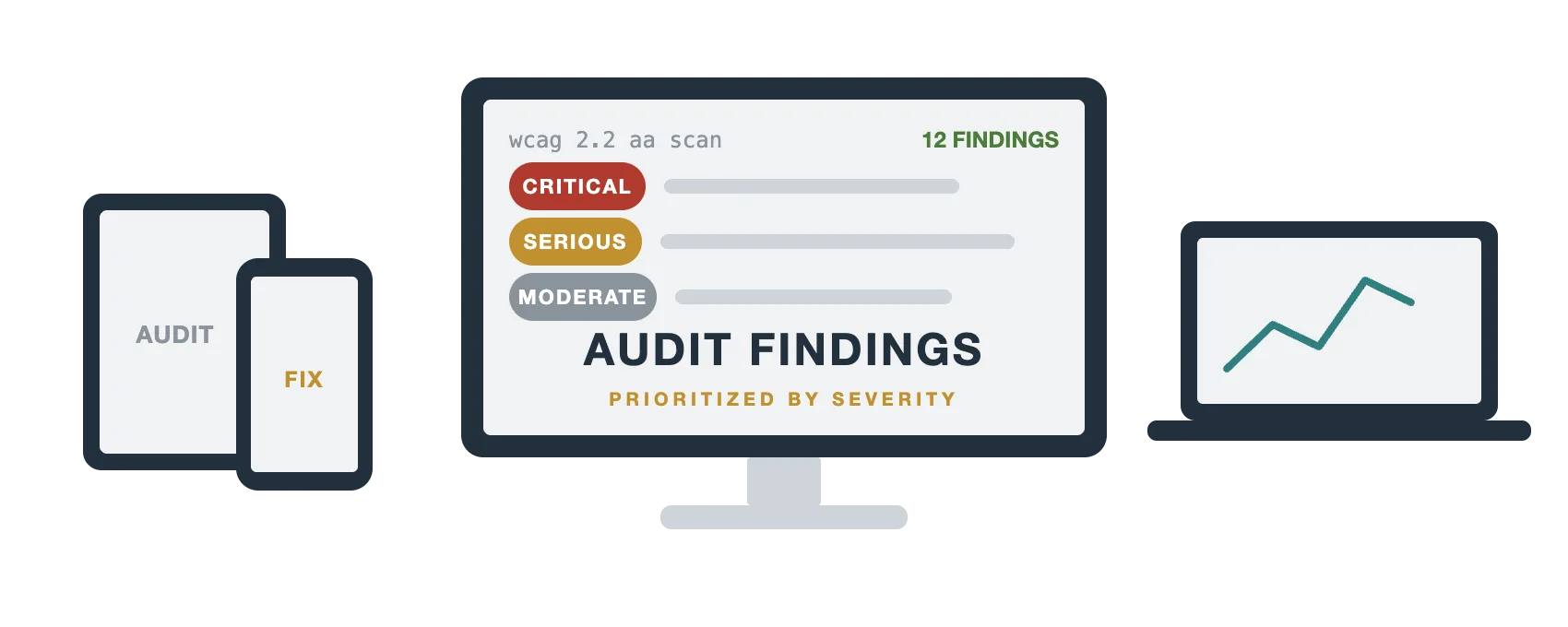
A page-by-page review against WCAG 2.2 AA that pairs automated scanning with manual keyboard and screen reader testing, scored by severity.

Remediation Work

The fixes themselves: real buttons, labelled inputs, sensible landmarks and visible focus written into the templates rather than patched over.

Keyboard & Focus Order

Every interactive element reachable in a logical order, with a focus indicator you can actually see against every background in the palette.

Screen Reader Testing

Checked with VoiceOver and NVDA so names, roles and states are announced the way somebody relying on them would expect.

Colour & Contrast

Text, icons and interface states measured against contrast ratios, with palette adjustments that keep your brand recognisable.

Accessible Forms

Labels tied to their inputs, errors announced and explained in words, and required fields marked with more than a red outline.

Need an Accessibility Audit?

Send us the URL and we will come back with a prioritised list of what fails WCAG 2.2 AA and what it takes to fix — free, with no obligation.
Audits

What an Audit Actually Tells You

Automated tools catch perhaps a third of real problems. The rest need somebody to tab through the page, listen to it, and try to finish the task a visitor actually came for.
You get findings grouped by severity with the code that causes each one, so your developers can fix the blockers first instead of working alphabetically through a scanner report.
Compliance

ADA, Section 508 and the EAA

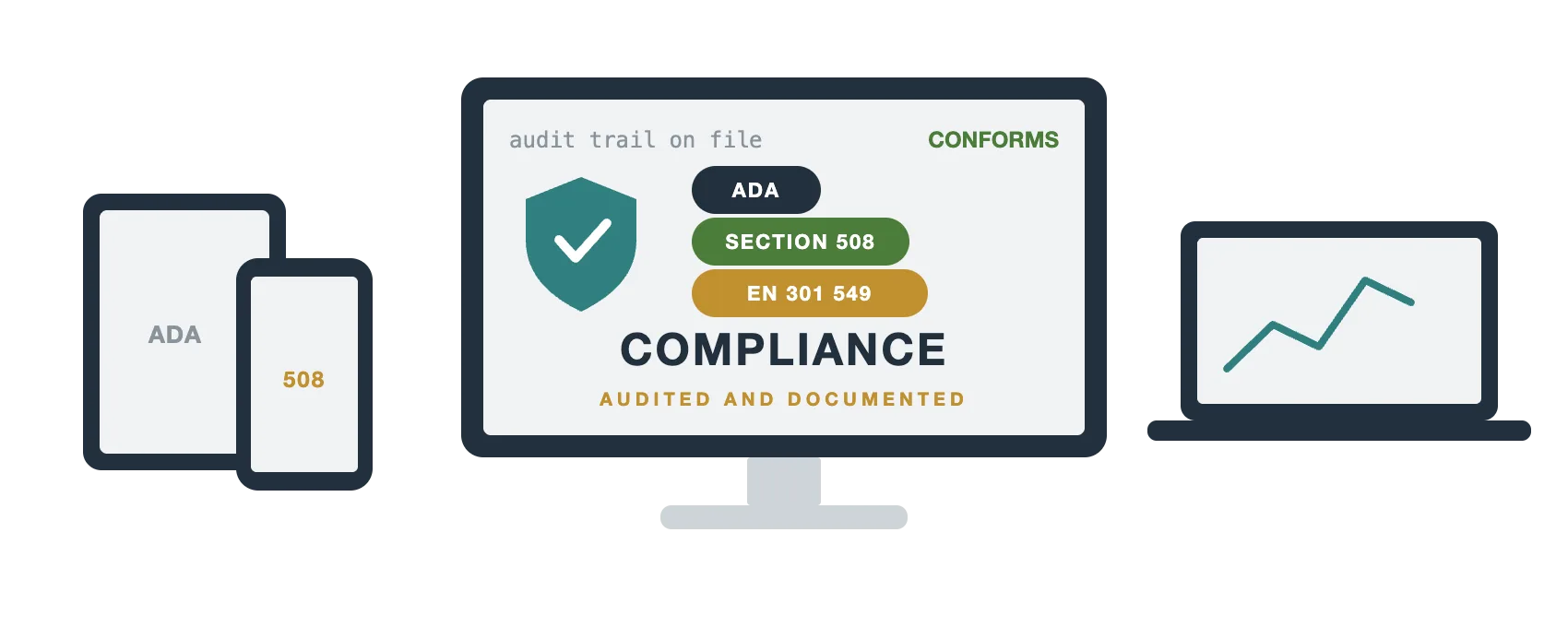
US demand letters usually cite the ADA and then point at WCAG 2.2 AA. Federal and federally funded work adds Section 508, and selling into Europe brings the European Accessibility Act into scope.
We build to WCAG 2.2 AA as the common target, document what was tested and when, and hand you the evidence trail that matters if anybody ever asks.
Features:
Our Process

How an Accessibility Project Runs

Audit, prioritise, fix, retest — with the findings written so developers and stakeholders can both read them.
01

Audit

Automated scans plus manual keyboard and screen reader testing across your key templates, scored by severity and real user impact.
02

Prioritise

Findings grouped by how much they block a real task, with the code behind each one and an estimate for putting it right.
03

Remediate

Fixes written into the templates and components, so new pages inherit correct markup instead of repeating the problem.
04

Retest & Document

A second pass to confirm the fixes hold, plus a written record of what was tested, how it was tested and when.
Related Services

What Works Alongside Accessibility

Accessibility touches the markup, the design and the content. These are its closest neighbours.

Semantic HTML

Real headings, lists, buttons and landmarks — where most accessibility wins actually come from.

Design to Code

Conversions built accessibly from the start, so there is nothing to remediate later on.

Front-End Development

The whole browser layer, taken end to end from design file to live pages.

Core Web Vitals

Fast, stable pages help everyone, including people on older phones and slow connections.

Questions

Web Accessibility: Frequently Asked Questions

Not for the problems that matter. An overlay cannot turn a div into a button, label a form field or repair heading order — it adds a toolbar on top of the same broken markup, and US courts have not accepted it as a defence.
WCAG 2.2 Level AA. It is what the ADA is measured against in practice, what Section 508 references and what the European Accessibility Act aligns with, so one target covers most obligations at once.
It finds everything we can identify across the templates we test, scored by severity. Automated tools alone catch roughly a third of real issues, which is why every audit includes manual keyboard and screen reader passes.
A brochure site with a handful of templates is usually one to three weeks. A large application depends on how much of the interface is custom components rather than plain markup.
Usually yes. Most fixes live in markup, focus styles and form labelling, none of which change how the page looks. Contrast failures sometimes need small palette adjustments, which we keep inside your brand.
Yes. VoiceOver on macOS and iOS and NVDA on Windows, because that is where naming, role and state problems actually show up. An automated tool cannot hear a page.
Indirectly and reliably. Proper headings, alt text, descriptive link names and semantic landmarks are the same signals search engines use to work out what a page is about.

Let Us Make Your Site Usable by Everyone

Send us the URL, or the pages you are most worried about, and we will come back with a prioritised audit and a clear price. Use the form below, or call (305) 812-5999 and talk to someone who will actually be writing the fixes.