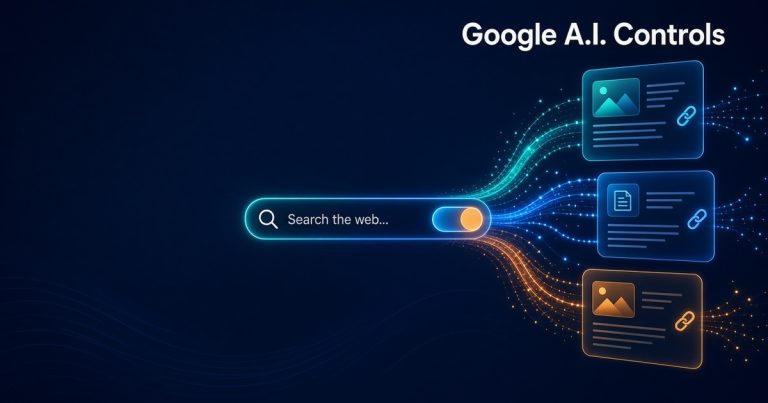
Last week Google quietly updated one of its help guides for website owners. It wasn’t a big announcement and you probably didn’t see it in the news. But if your business gets customers from Google, this one matters. It puts every control you have over how Google’s A.I. uses your website in one place, and it makes one decision easier to understand: should your site show up in Google’s A.I. answers or not?
I get this question from clients a lot now. “Is Google’s A.I. stealing my traffic?” “Should I block it?” So here is what changed, what your options really are, and what I’m recommending to the small businesses we build and host for.
What Google Changed on October 21
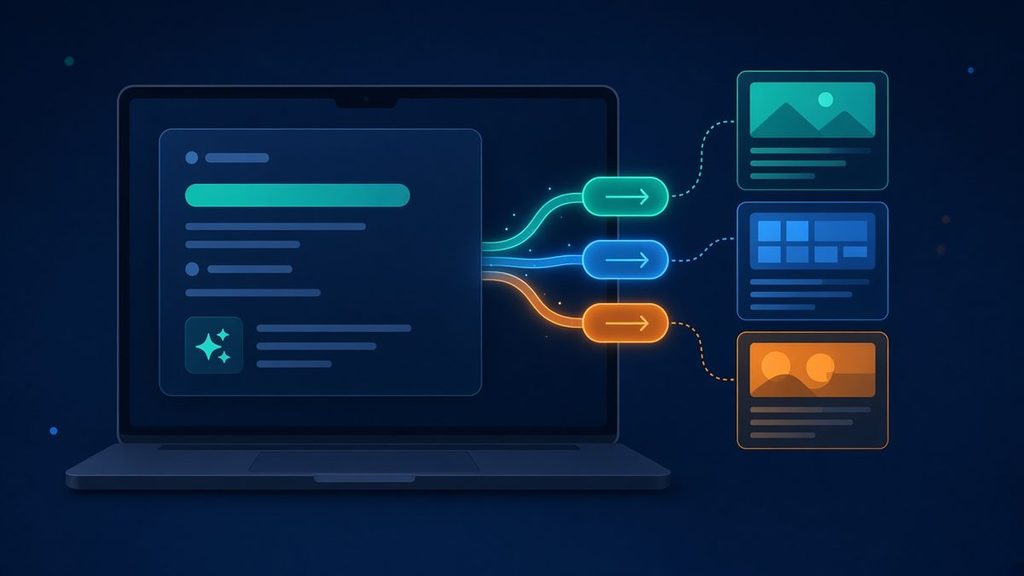
According to Search Engine Watch, Google revised its Search sharing guide on October 21, 2026. The guide now includes the existing Search generative AI control in Search Console, plus more ways to limit what Google shows from your pages: robots meta tags, data-nosnippet, and the X-Robots-Tag header.
To be clear, Google’s own changelog calls this a refresh of the options, not a new feature. The A.I. control itself reached all websites worldwide on August 31. What’s new is that the choices are now spelled out side by side, so it’s much easier to see what each one does and what it costs you.
This comes right after Google’s October 15 announcement about A.I. Mode and A.I. Overviews. Google said it is adding more inline links inside A.I. answers and showing them higher up, testing a dedicated section that highlights official websites at the top of a response, and expanding news carousels. In other words, Google is sending more clicks to the sites it cites. That makes the “opt out or stay in” decision more important, not less.
Your Options, in Plain English
1. The Search Console A.I. control (site-wide)
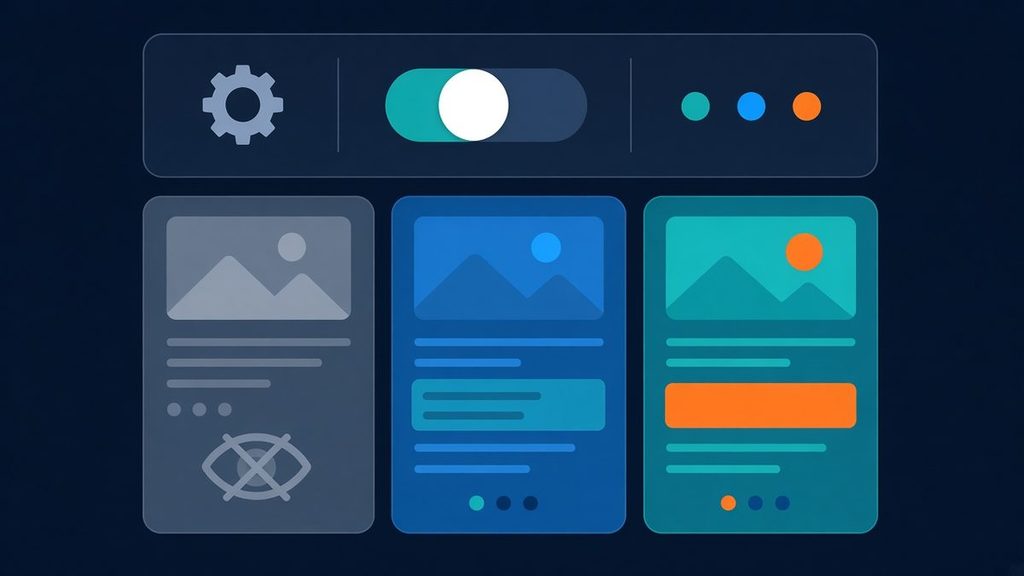
Inside Search Console, under Settings, there is a switch to exclude your site from Google’s A.I. features. Per the guide, choosing exclusion removes your content and links from A.I. Overviews, A.I. Mode, and generative features in Discover.
- Google says opting out is not a ranking signal for regular search results.
- Changes usually take several days, and some content can take longer because of caching.
- You give up the impressions and traffic you would have gotten from those A.I. features.
- It does not stop A.I. training. For that, Google points publishers to Google-Extended.
- If you have more than one Search Console property, a smaller property can inherit the parent’s setting. Check before you change anything.
2. Page-level snippet rules
If you only want to protect certain content, you can be more precise:
- nosnippet hides a page’s text snippet and keeps its content from being used directly in A.I. Overviews and A.I. Mode.
- data-nosnippet can be added to specific parts of a page, so a single paragraph or price table stays out of snippets.
- X-Robots-Tag lets you apply the same rules to files that aren’t web pages, like PDFs.
3. What NOT to do: noindex or robots.txt
This is the mistake I see most. Someone wants to “block the A.I.” and adds noindex to their pages. That removes the page from regular Google results too. That’s a much bigger hit than most businesses intend.
Blocking pages with robots.txt has its own problem. Google has to crawl a page to read its instructions, and its guidance warns that blocking the crawl can still leave the URL showing in results. If you do change an indexing rule, use the URL Inspection tool in Search Console and compare the stored version with a live test. The two can differ for a while.
So Should a Small Business Opt Out?
For most of my clients, my answer is no. Here is why.
If you’re a plumber, a law office, a restaurant, an online store or a local service company, you want to be the answer when someone asks Google a question. Google is putting more links in its A.I. answers and testing a section just for official websites. If you opt out, those links go to your competitors.
Opting out makes more sense if your business sells the content itself: paid research, courses, original guides that people pay for. In that case, page-level rules like nosnippet or data-nosnippet on your premium sections are usually a better fit than switching off your whole site.
What I’m Doing for Our Clients This Week

Here is the short checklist we’re running on the sites we manage:
- Check the Search Console setting. Confirm whether each site is included or excluded from A.I. features, and that nobody flipped it by accident.
- Look for leftover noindex tags. Staging settings and SEO plugin mistakes are common, and they hide pages from all of Google.
- Review robots.txt. Make sure Googlebot isn’t blocked from important service pages.
- Make service pages worth citing. Clear services, service areas, hours and starting prices. A.I. answers pull facts, so give Google accurate ones.
- Protect only what needs protecting. If a client has premium content, we use
data-nosnippeton those sections instead of blocking the whole page. - Verify with URL Inspection. After any change, we test the live page and check again a few days later.
None of this takes long, but getting it wrong can cost you a lot of traffic without you noticing for weeks.
The Bottom Line
Google’s A.I. answers aren’t going away, and Google is now linking out to websites more inside them. Last week’s guide update makes your options clearer. Stay visible on the pages that bring you customers, use precise snippet rules for anything you want to protect, and don’t reach for noindex unless you really want a page gone from Google.
Need a Hand With Your Site’s Google Settings?
If you’re not sure how your website is set up in Search Console, or you want someone to check your pages for hidden noindex tags and A.I. visibility, we can help. Contact Final Web Design and we’ll review your site and give you a clear, up-front plan.
Sources: Search Engine Watch, “Google adds existing AI and snippet controls to its Search sharing guide” (Oct 23, 2026); Google, “More ways to connect with the web from Search” (Oct 15, 2026).